
Published on July 28, 2026
A conversation begins in a comment, continues in a direct message, and ends with a team member searching for information in another screen. New notifications keep arriving in the meantime. Volume is not the only problem; context is fragmented.
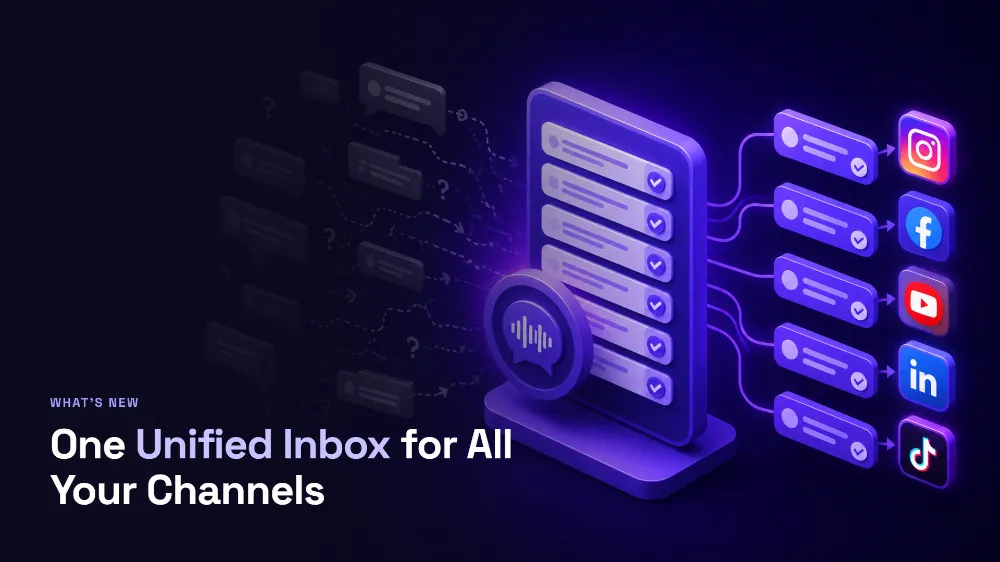
A unified social media inbox brings interactions into a working queue. Instead of treating each app as an island, the team can see what needs a reply, what has already been resolved, and where a person should take over.
What should a unified inbox bring together?
The name suggests a single mailbox, but the real value is the organization layer. Comments and DMs should arrive with their source, sender, time, history, and status. The team also needs to distinguish pending, answered, and handed-off conversations.
A useful inbox does not erase the differences between networks. A public reply remains different from a DM, and channel rules still apply. Centralization provides an operational view without forcing every conversation into the same format.
Four benefits for day-to-day work
- Fewer missed messages: a clear queue reduces dependence on individual notifications.
- Preserved context: history and source prevent people from repeating their issue.
- Shared work: the team sees progress and reduces duplicate replies.
- Supervised automation: manual and AI replies can operate in the same process.
The last point matters. Automation without a central view can increase message volume while reducing clarity about who is responsible for the relationship.
How to organize a social engagement queue
- Define which types of interactions require an answer.
- Use simple states such as pending, in progress, answered, and handed off.
- Prioritize complaints, buying intent, and questions that block a decision.
- Record the reply and the next expected action.
- Review recurring topics to improve content and automation.
Do not begin with dozens of categories. A small taxonomy used consistently creates more visibility than a sophisticated structure that nobody updates.
How Replaier approaches centralization
A unified inbox is part of Replaier's approved base capabilities for paid plans, together with manual and automated replies, history, essential metrics, and AI Agents. Its Instagram comment workflow already demonstrates the combination of a queue, manual replies, and automation settings.
The platform is designed for multiple channels. Instagram, Facebook, YouTube, TikTok, and X are in the confirmed commercial scope, becoming available as each supported integration launches and according to the selected plan. Starter is limited to Instagram, while Creator and Agency provide access to launched and supported networks.
Centralization restores the story of a conversation
Switching between fewer tabs is convenient. Knowing who spoke, what they received, and what should happen next is transformative. A unified inbox succeeds when it makes operations legible to the team and the experience continuous for the person on the other side.
Map where your comments and DMs are monitored today, then count how often the team has to rebuild context. That diagnosis shows whether your next improvement should be a better queue, safer automation rules, or both.